KRACKPOT FOR ANDROID
Cracks all night.
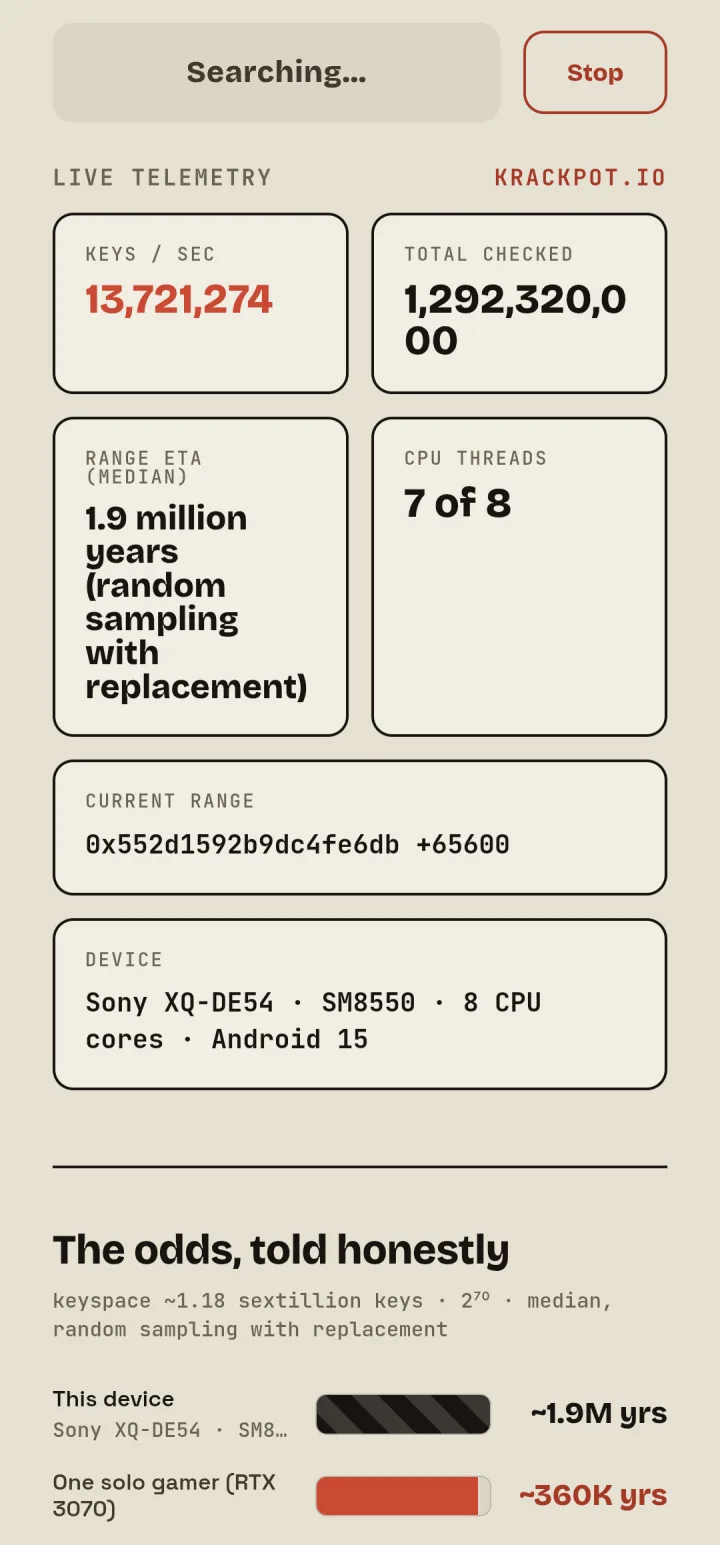
The krackpot.io page as an Android app. The search runs on your phone's own processor, not in a browser tab, so it keeps going with the screen off and while you use other apps. No tab to keep open.
krackpot-0.3.apk

On a computer? Scan this with your phone to open this page there.
Install in four steps
Krackpot isn't on Google Play. You install the APK file directly. It only ever asks for one thing: permission to show a notification while it searches.
- 01Download the APK on your phone.
- 02Open it from the download notification or your Downloads folder.
- 03Allow the install if Android asks. Android opens the setting for you: turn on "Allow from this source" for your browser.
- 04Tap Install, open Krackpot and paste your payout address.
Keeps running
On the website, the search pauses when the tab is in the background. The app doesn't. Once you press Start, it keeps a notification up and runs with the screen off and while you use other apps. A Sony Xperia 5 V checks about 16 million keys a second.
More hours searching means more tickets. The odds are still terrible.
Some phones slow down with the screen off. A Sony Xperia 5 V dropped to about a third of its speed; a Pixel 10 Pro didn't slow down at all.
Your phone gets warm and the battery drains fast. If it gets too hot, Krackpot slows down until it cools. Plug it in for long runs.
Changelog
Version 0.3
- First release of the Android app: the krackpot.io page with the search on the phone's CPU cores.
- Notifies you of new versions.
- krackpot.io links open the app.
The app checks for new versions and shows an Update notice, so you only need this page for the first install.